GhostCue Is Now GlideRail
Updated 2026-10-03 · 3 min read
Short answer: GlideRail is the new name of GhostCue, the Mac notes app and teleprompter whose windows are invisible to screen sharing. It was renamed on August 31, 2026, by the same maker, Takumi Mitchell. Your notes and license carry over, and ghostcue.app now redirects here. GlideRail is not connected to ghostcue.org, ghostcueapp.com or getghostcue.com.
If you knew this app as GhostCue, nothing about it changed except the name. Same Mac app, same features, same developer. The website moved from ghostcue.app to gliderail.app, and every old link redirects to the matching page here.
What changed and what didn't
The name, the icon and the website changed. Version 2.1.0, released September 25, 2026, was the first release called GlideRail.
Everything else carried over:
- Your notes. They stay in the same place on your Mac. Updating from GhostCue keeps every note, folder and setting.
- Your license. A key bought as GhostCue keeps working in GlideRail. You can manage it at gliderail.app/license.
- The app itself. Its windows are still invisible to screen sharing and recording in Zoom, Google Meet, Microsoft Teams, Loom, OBS and QuickTime. That's a Pro feature, with a 7-day free trial.
- The maker. GlideRail is built by me, Takumi Mitchell, the same person who built GhostCue.
Other apps and sites called GhostCue
Several unrelated products use the GhostCue name. None of them is connected to GlideRail, and I have no connection to any of them. As of October 3, 2026:
| Name and address | What it is | Connected to GlideRail? |
|---|---|---|
| ghostcue.app | GlideRail's old website. It now redirects to gliderail.app. | Yes, this is us |
| ghostcue.org | "GhostCue Teleprompter", a separate app on the Mac App Store that needs macOS 26 | No |
| ghostcueapp.com | A teleprompter that runs in a web browser | No |
| getghostcue.com | An AI interview copilot that suggests answers | No |
That last difference matters. GlideRail has no generative AI and never writes answers for you. It shows notes you wrote yourself. If something called GhostCue offered to answer interview questions for you, it wasn't this app.
How to tell it's GlideRail
- The website is gliderail.app. Downloads come from gliderail.app/download.
- It isn't on the Mac App Store. GlideRail is a direct download. An app called GhostCue on the App Store is someone else's.
- It needs no account. Your notes are stored on your Mac. Nothing asks you to sign up.
- It runs on macOS 14 or later. The voice features, Live Rail and Voice Follow, need an Apple Silicon Mac.
GlideRail today
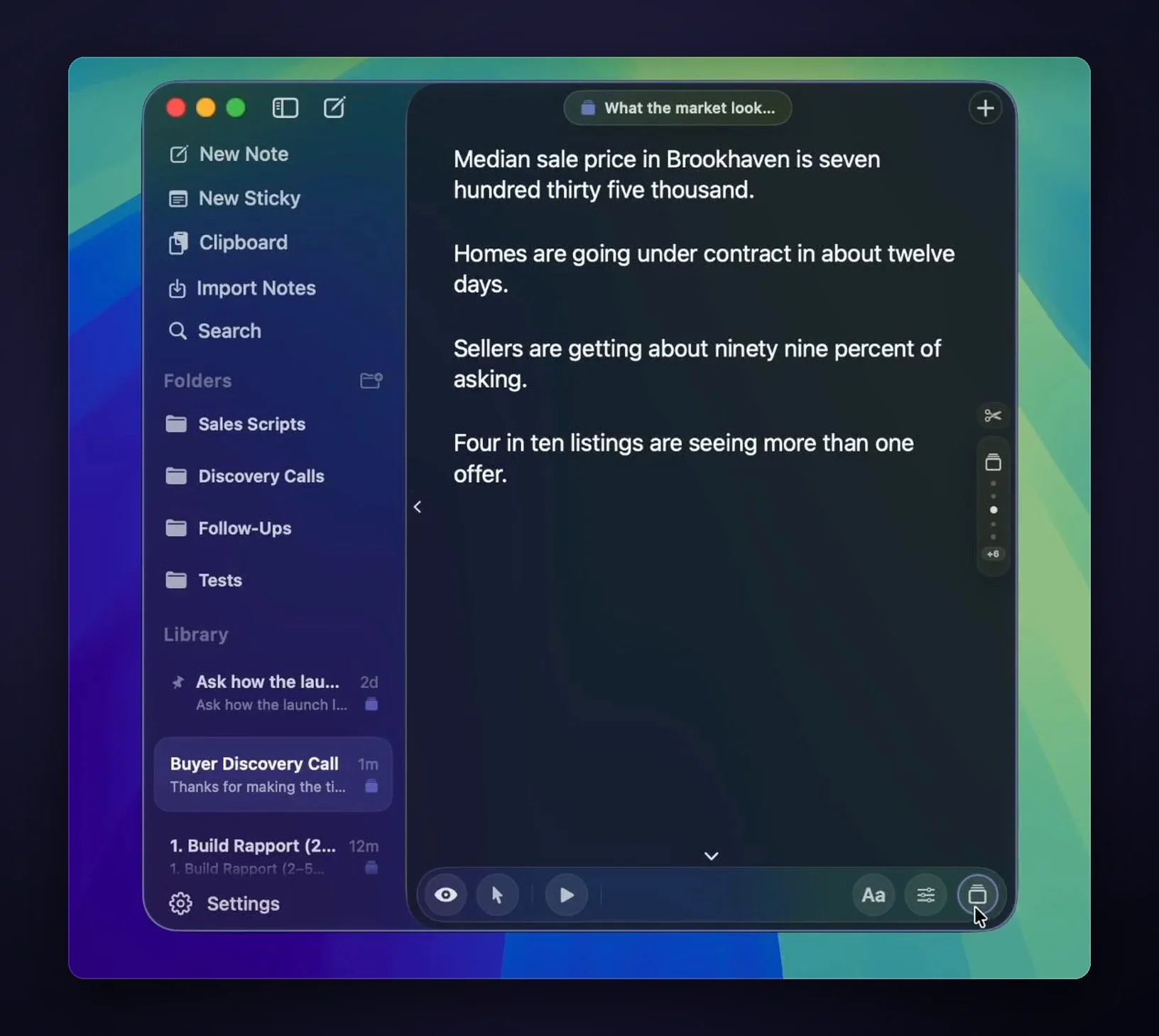
GlideRail is a notes app first. The free version gives you unlimited notes, folders, a full editor with tables and checklists, drag-and-drop import of PDFs, Word files and images, and two floating windows. Pro makes those windows invisible to screen sharing and recording, and adds Cue Mode cue cards, Live Rail, click-through for live demos, sticky notes and Notch Mode.
Pro is $99 a year ($8.25 a month, billed yearly), $19.99 a month, or $249 once. Every plan activates on 2 Macs and has a 30-day money-back guarantee. Older listings for GhostCue may still show its earlier one-time price or "macOS 13 or later"; both are out of date.
Want to see it work? The guides show the setup for Zoom, Google Meet and Microsoft Teams, and the FAQ answers the rest.
FAQ
Is GhostCue the same app as GlideRail?
Yes. GhostCue was renamed GlideRail on August 31, 2026. It's the same Mac app from the same developer, Takumi Mitchell. The first release under the new name was version 2.1.0, on September 25, 2026, and the old website, ghostcue.app, redirects to gliderail.app.
Is ghostcue.org the same as GlideRail?
No. ghostcue.org is the website of a separate app, "GhostCue Teleprompter" on the Mac App Store. It isn't connected to GlideRail. GlideRail was called GhostCue until August 2026, but its website was ghostcue.app, never ghostcue.org, and it has never been on the Mac App Store.
Does my GhostCue license still work?
Yes. A license bought as GhostCue works in GlideRail, on the same 2 Macs. Updating the app keeps your notes and settings. To see your license or move it to another Mac, go to gliderail.app/license.
Is GlideRail on the Mac App Store?
No. GlideRail is a direct download from gliderail.app, with checkout through Polar. Any app named GhostCue on the Mac App Store comes from a different developer.
Do old ghostcue.app links still work?
Yes. Every ghostcue.app address redirects to the same page on gliderail.app, so old links, bookmarks and download pages keep working.
Written by Takumi Mitchell, maker of GlideRail. Last updated October 3, 2026.